Why the shop phone is hard to answer
The problem is usually physical. Clippers are loud, both hands are busy, and in a two-chair shop nobody may be free to walk to the desk. A caller who reaches voicemail often hangs up and tries the next shop. “We’ll call them back between clients” often fails for the same reason: that person may already have booked somewhere else.
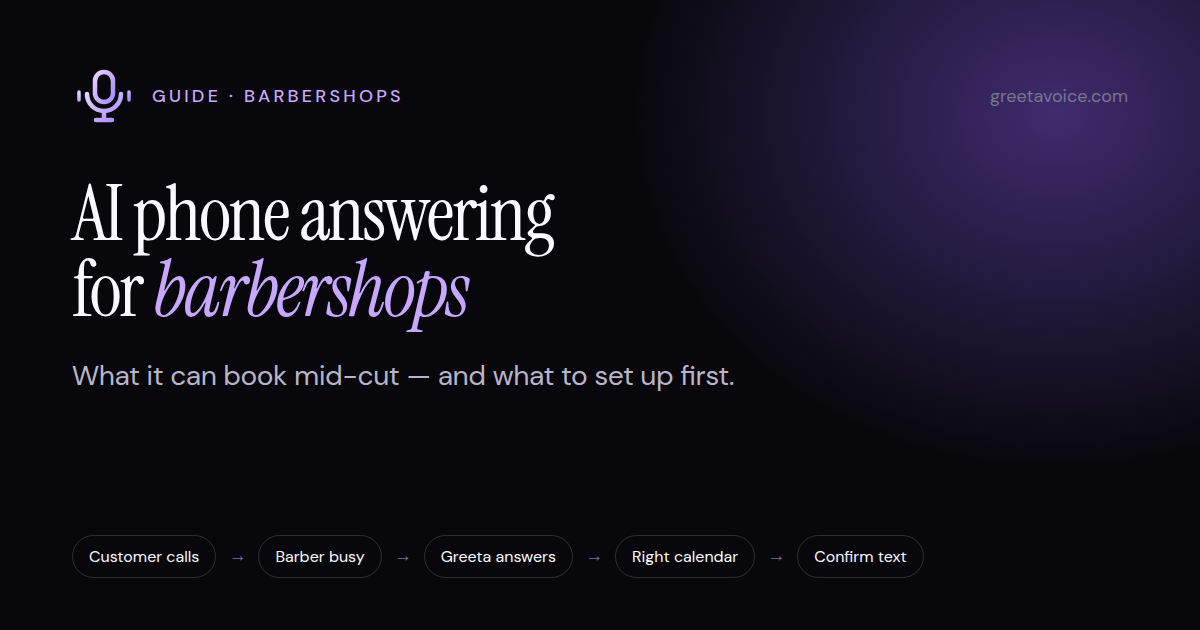
An AI receptionist answers the business line, understands a routine request, checks your real calendar, and books, moves, or cancels in the same conversation. Greeta identifies itself as your business’s automated assistant — the Terms don’t allow setting it up to claim it’s human. The shop phone can still ring first.
The product overview stays on the barbershop page.
What a routine shop call can include
- Greet the caller with your shop name and take a haircut, beard trim, or another service you have set up.
- Book a named barber after checking that person’s hours, days off, and whether they perform that service — or the next open barber if the caller doesn’t mind.
- Book more than one guest on the same call, such as a parent and two kids, when those services and times exist.
- Reschedule or cancel an existing appointment.
- Speak English, Spanish, Polish, or Portuguese on the same line. There is no “press 2” menu.
- Text a caller who hangs up, so they can finish by text. (How text-back works.)
- Send an SMS confirmation and a reminder once the visit is on the calendar. (Confirmations and reminders.)
Bookings go into Square Appointments if you connect Square, or into the Greeta calendar. One booking mode at a time. On a paid plan you keep your number and forward it. The free demo is test calls only — no live number until you upgrade. Owners and staff follow calls, transcripts, and the calendar in the dashboard and the GreetaVoice Business app. Clients use GreetaBook.
None of this replaces a barber. It covers the desk when the barbers cannot.
What to set up before you forward the line
The AI only knows what you enter. If a service, duration, or day off is missing, it cannot invent a good answer. Use this checklist first:
- Services the way callers say them. “Men’s haircut,” “beard trim,” “kids’ cut,” “hot towel shave,” plus the duration you need, including cleanup.
- Who performs what. Attach a straight-razor shave to the barber who does it. If everyone does a standard haircut, say so.
- Hours and days off. Shop hours, each barber’s hours, vacations, and closed days. An open Monday in the AI and a closed Monday on the floor is how double-promises start.
- One calendar. Connect Square for two-way sync, or use the Greeta All-in-One calendar. Not both.
- When the phone hands off. Let the shop ring first, cover after hours, or cover a packed Saturday. (How call forwarding works.)
- A transfer destination, and the hours when someone is actually free to take it.
What it should not decide
- It isn’t a person. Complaints, disputes, and sensitive calls stay with you.
- Walk-in-only shops are a weak fit. If the next chair is decided at the door, booking fights how you work. It fits when at least some of the day is bookable.
- It cannot invent a squeeze-in. If the slot is not on the calendar, it should not create one.
- It only quotes what you entered. Missing prices and unlisted add-ons should be a transfer or a callback, not a guess.
- “The usual” is not inferred. That works only when the barber, the service, and those details are already in the account.
- Recording is optional and off by default. It may be restricted where the law requires it. You control it in settings.
A cost check with your own numbers
There is no universal missed-call cost for a barbershop. The same formula as the missed-call guide is:
Monthly revenue at risk ≈ missed calls per week × 4.33 × share of those callers who wanted to book × average booking value
Why 4.33? A year has 52 weeks and 12 months, so an average month has 52 ÷ 12 ≈ 4.33 weeks.
Worked example (example inputs, not a statistic): a shop misses 8 calls in a normal week, estimates that 40% wanted to book, and uses a $45 average service value — services only, no tips or retail.
8 × 4.33 × 0.40 × $45 ≈ $623 per month at risk.
That figure is a ceiling, not cash you are guaranteed to get back.
Divide a plan’s monthly price by your average booking value and round up to see how many extra bookings it needs. Greeta Complete Starter is $99/month: at $45 that’s 3 bookings a month (99 ÷ 45 = 2.2, rounded up). Confirm current figures on pricing. First month free is available with code ONEFREE on the first monthly paid subscription, once per organization, subject to availability.
How to test it before you forward the line
Make the requests your callers make. The demo is free: a sample business, 30 minutes of test calls, no credit card. Try:
- A men’s haircut with a named barber, and the same service with “anyone available.”
- A time that is already taken, and a day that barber is off.
- A parent booking two or three people on one call.
- A reschedule, a cancellation, and a question it should not invent an answer to.
Check three things: it understood the request, the booking landed on the right person and duration, and it handed off when it should not have booked. If you would trust a new hire with that call, you are ready. If not, fix the setup and test again.
Going live without a new number
Add your real services and team or connect Square, pick a paid plan, and forward the line clients already know. Start with the shop phone ringing first, or with after-hours coverage only.
Ready to hear it on a sample shop? Start the free demo or see pricing.